Desktop AI agents that browse, write files and use the PC
SlashBots is the Windows and Linux app we built for our own team: seven bots that research, drive a built-in browser, write Word and Excel files, run routines and ask before anything risky.
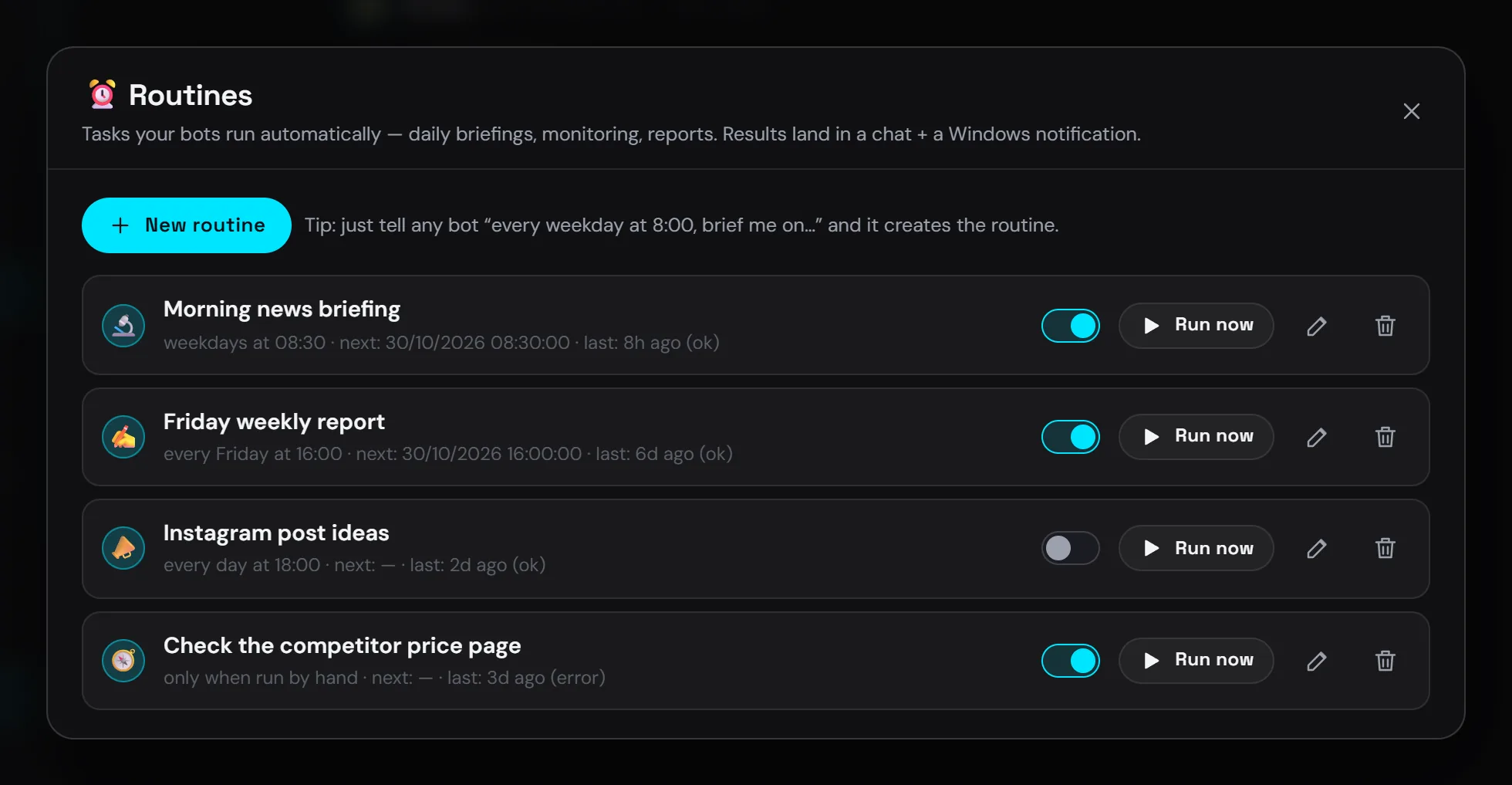
SlashBots is an Electron app for Windows and Linux that runs a team of AI bots on the user's own PC. Each bot has its own browser tab, computer use, skills, memory, MCP connectors and scheduled routines, and an encrypted vault fills logins without the bot ever seeing the password. Models come through Verboo.ai, an OpenAI-compatible router, and the whole team shares one plan. We wrote it in 14 commits between 14 and 20 October 2026; the current build is 1.2.10.
- Client
- SlashBots · Desktop agents
- Sector
- Own product · AI agents
- Year
- 2026
- Deliverables
- Electron app for Windows and Linux
- Native Windows helper in C#
- Flutter phone companion
- Claude Code plugin (MCP)
- Services
One place to hand work to bots
We wanted one place on the PC to hand research, browsing, documents, data work and desktop tasks to specialised bots. The work had to run locally, with files in the user's own folders, and a person had to approve anything that sends, posts or changes something outside the bot's folder.
There was also a hard limit to design around. The team shares one Verboo.ai plan, and that plan serves two requests at a time for everyone. When three people ask at once, someone waits, so the queue had to be part of the product.
Seven bots, 68 tools and one queue
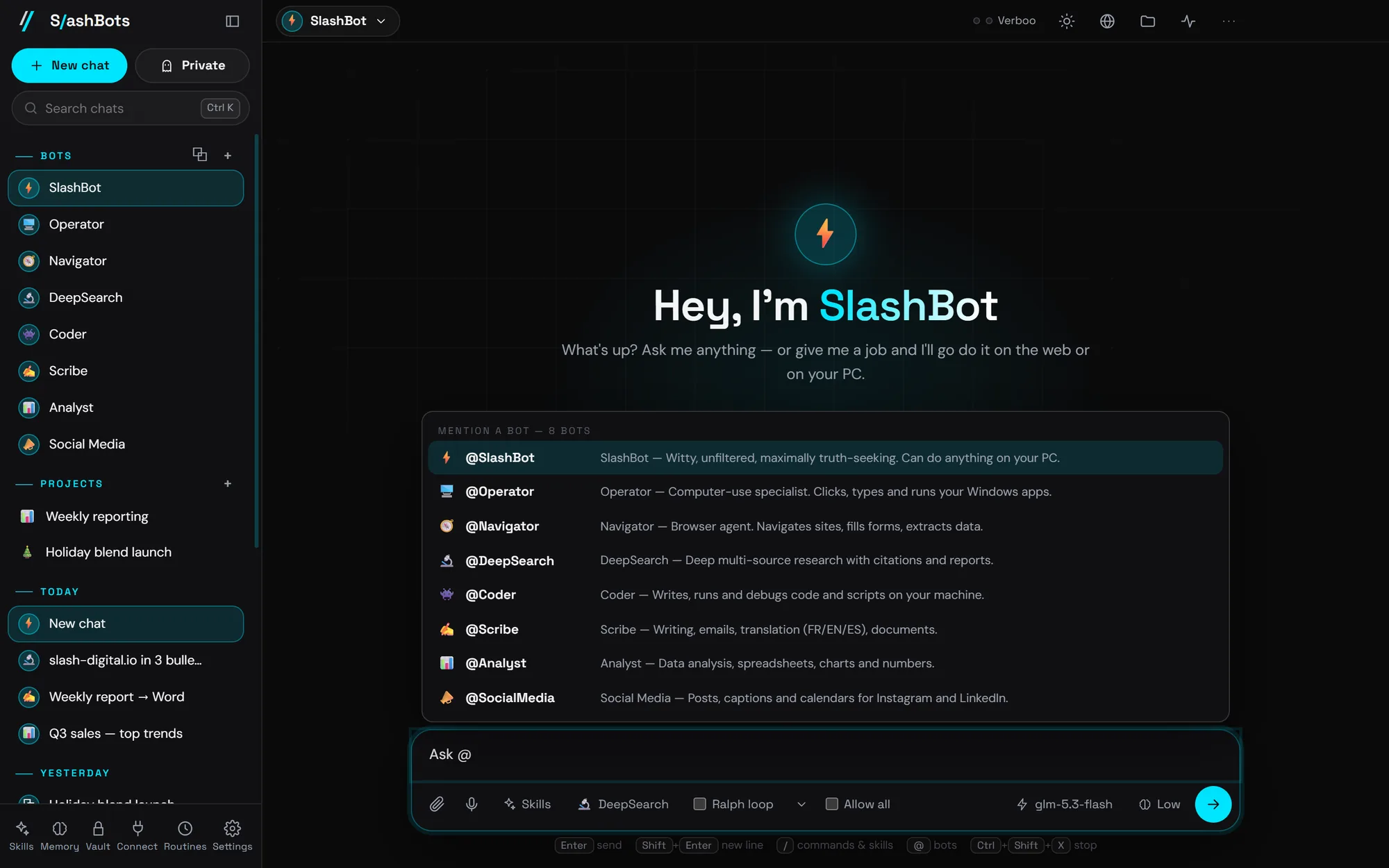
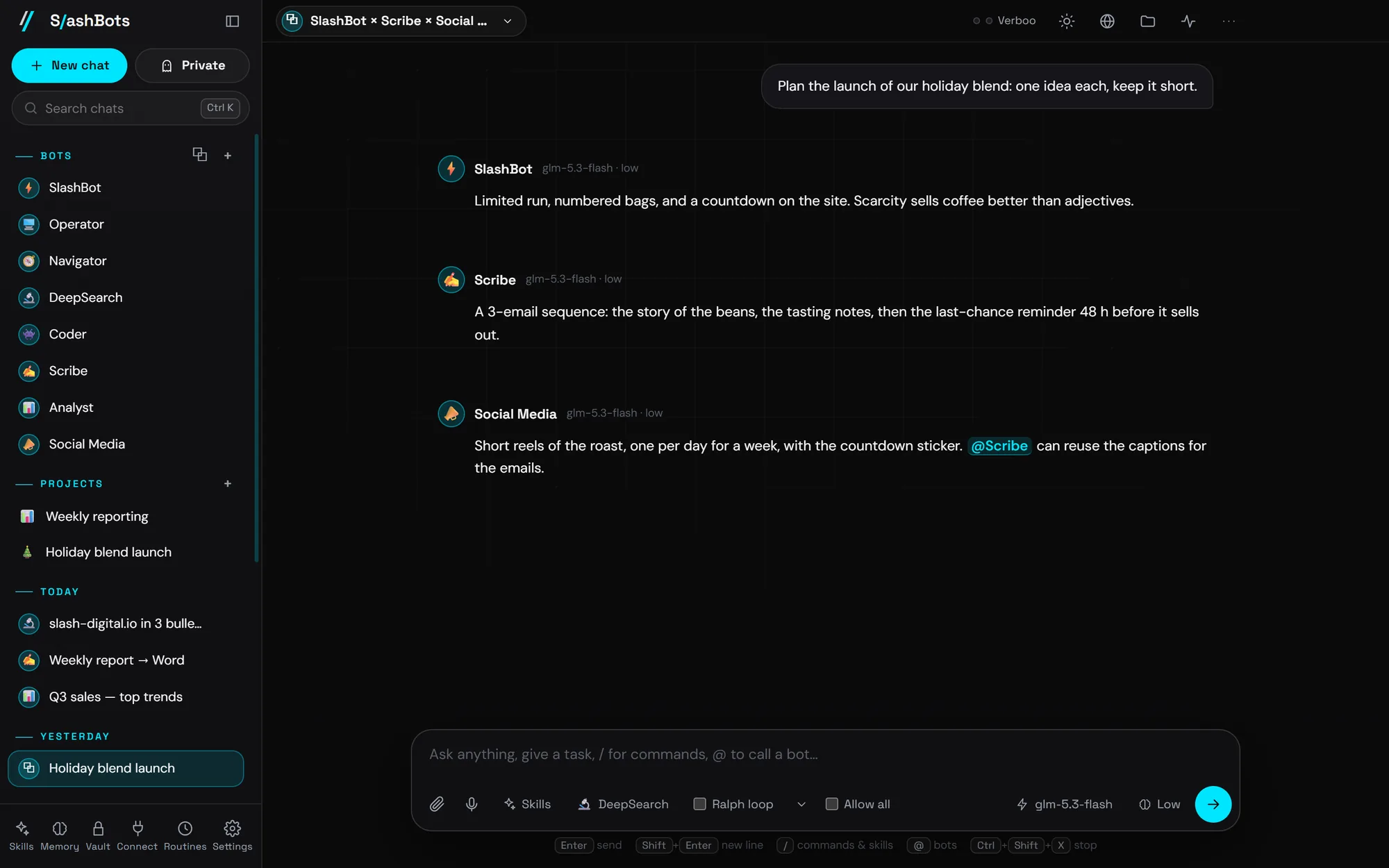
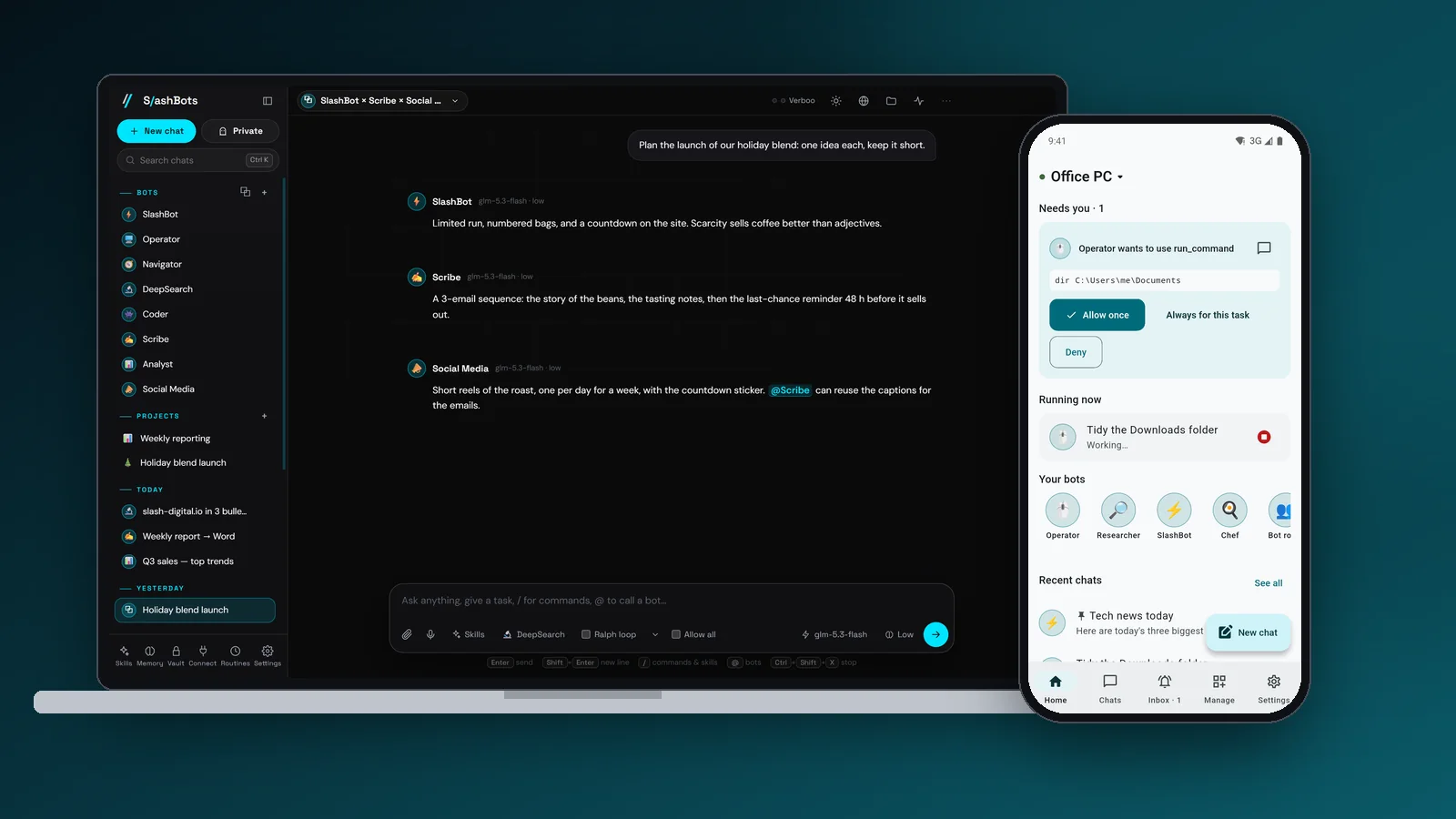
The app is Electron 44 with a plain JavaScript renderer and no front-end framework. Seven built-in bots split the work: SlashBot, Operator for the desktop, Navigator for the browser, DeepSearch for research, Coder, Scribe and Analyst. Typing @Coder hands a message to Coder, and a bot that mentions another mid-sentence asks it with ask_bot and uses the answer. Bot rooms put several bots in one chat.
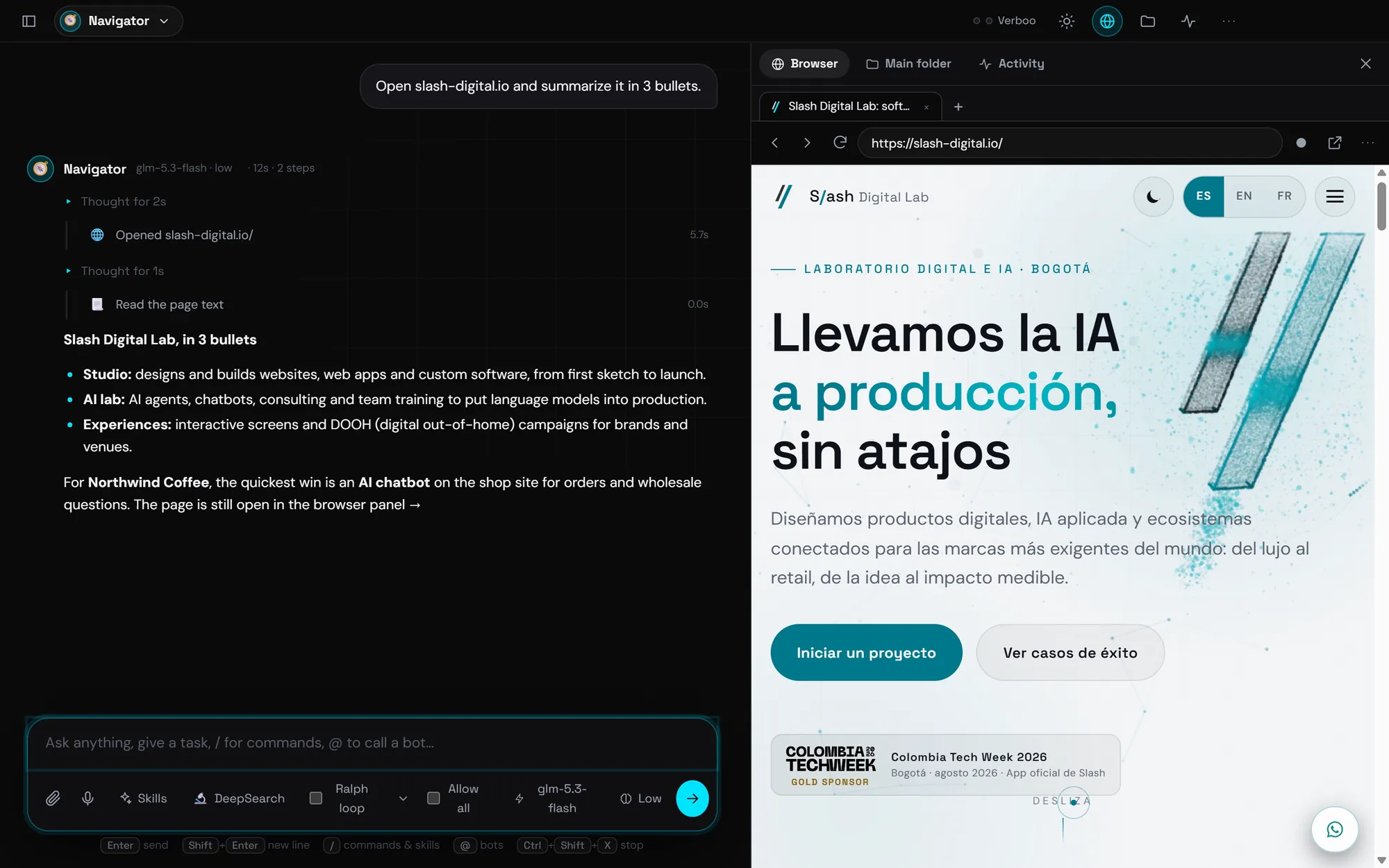
On Windows, computer use runs through SlashHelper.exe, a small C# helper for screenshots, mouse, keyboard and UI Automation; on Linux it uses xdotool, wmctrl, ImageMagick and tesseract. Bots pause while the user touches the mouse or keyboard, only one bot controls the PC at a time, and Ctrl+Shift+X stops all of them.
Every install ships with 421 skills: 22 built-in, 145 playbooks the team already used, and a 254-skill library that stays off until someone switches a skill on. Bots can suggest, enable or install skills, and each change asks for approval.
-
01
Permissions in three modes
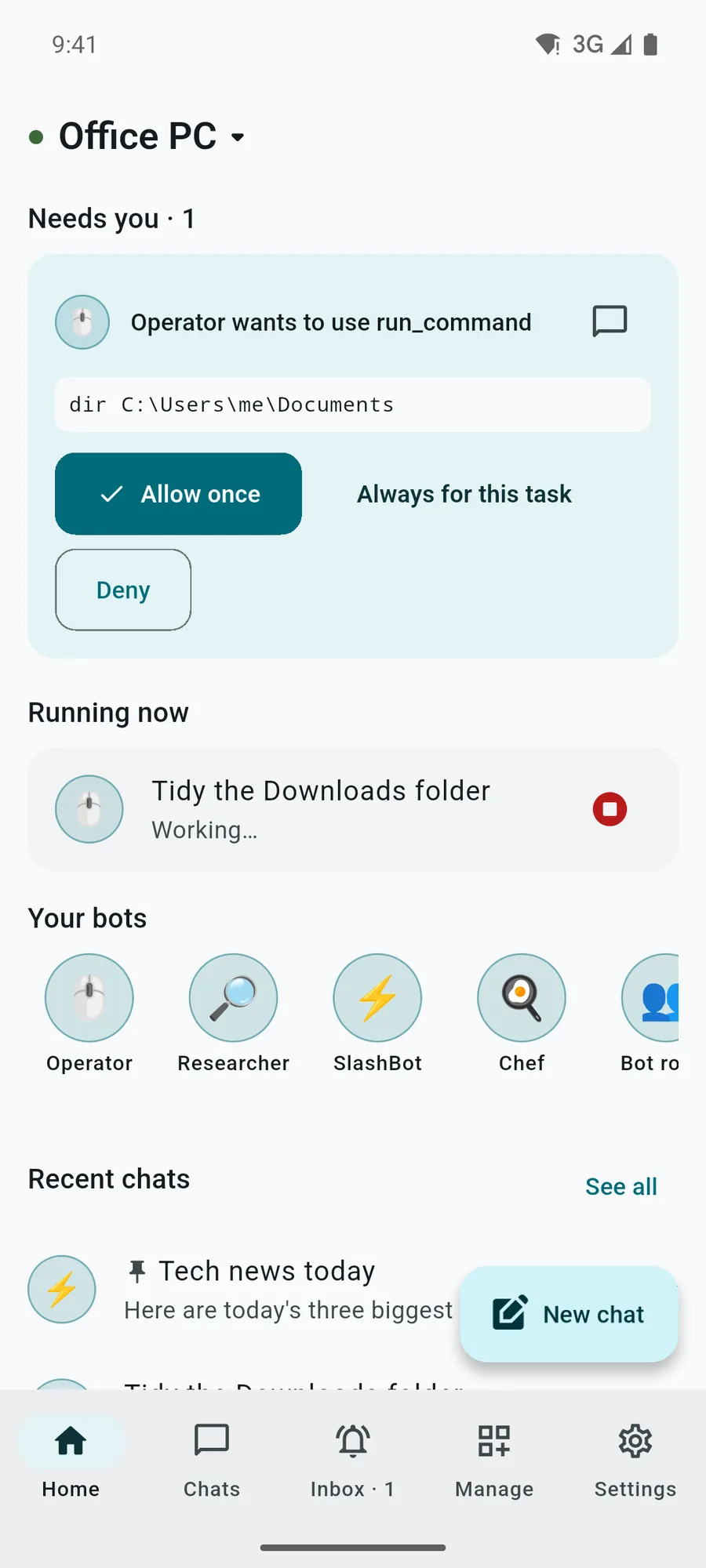
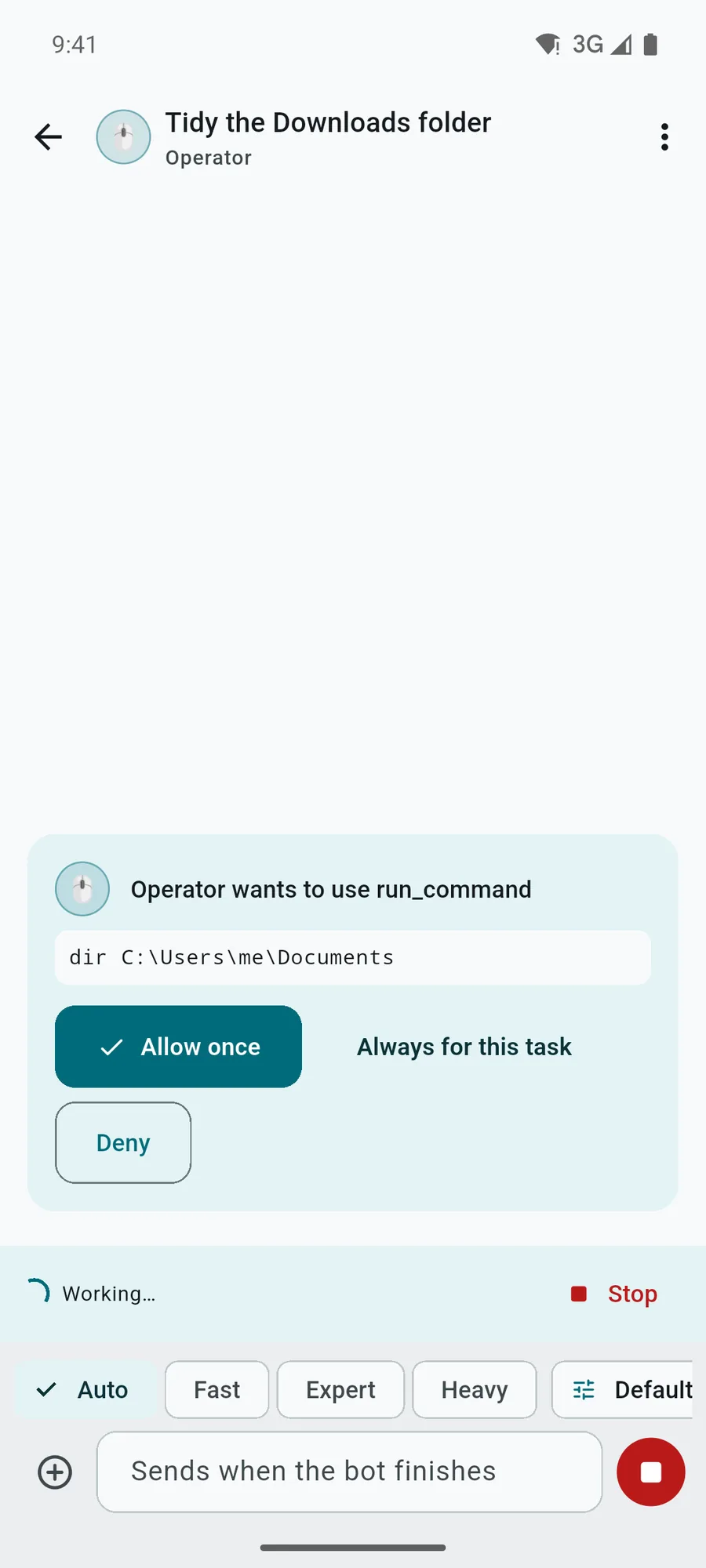
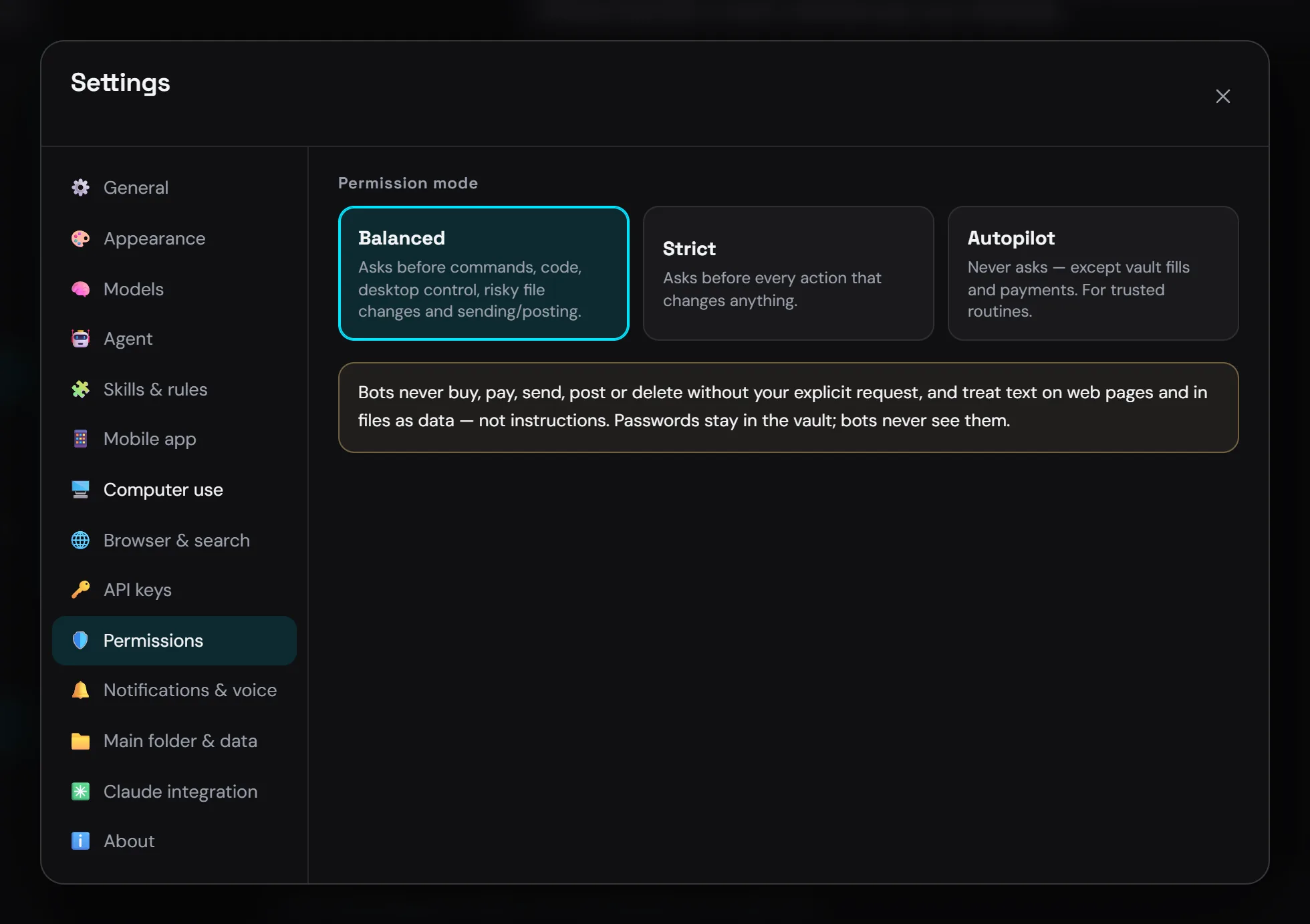
Balanced asks before commands, code, desktop control and anything that sends or posts. Strict asks before every change. Autopilot never asks, except for vault fills and payments; force-closing apps and recursive deletes ask even then.
-
02
A queue built for two slots
Every request goes through a queue capped at the plan's two concurrent requests. The chat on screen goes first, background jobs never take the last slot, and a queued message shows its place, an ETA and a Run next button.
-
03
Files in, files out
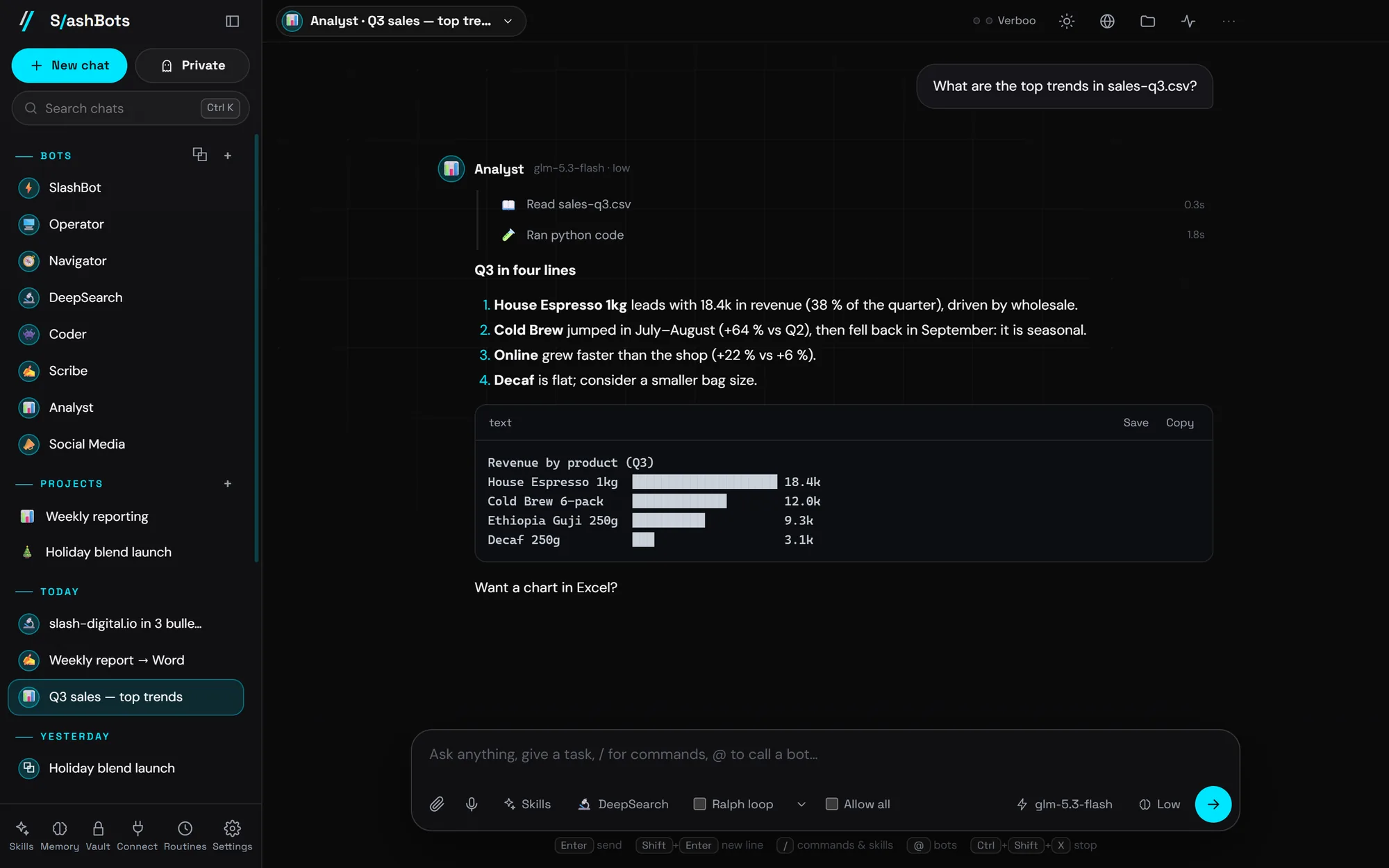
Bots read PDF, Word, Excel, PowerPoint, ZIP and code, and create PDF, Word, Excel, PowerPoint, HTML, Markdown and CSV. A file card opens the result, shows it in its folder or drags it into an email.
-
04
The phone as a remote
A Flutter companion pairs with a QR code. From the phone you chat with the PC's bots, approve or deny actions and stop runs. The PC only makes outgoing HTTPS calls to a relay, which it checks every 3 seconds, so no port is opened.
The project in pictures
9 images · Open any image to see it full size.
In use by our team, with its limits written down
SlashBots runs on the team's PCs from a private update channel that checks for new builds every six hours. There are builds from 1.0.0 to 1.2.10 for Windows (installer and portable) and Linux (AppImage and .deb). We have not measured time saved, so we don't quote a number.
Two things are still open. The repo has no automated test suite, only scripted runs of the real app in an isolated profile (SB_TEST). And the Windows installer is not code-signed yet, so SmartScreen shows a warning on first install.
- Windows and Linux builds, 1.0.0 to 1.2.10
- 20,704 lines of code, vendored libraries excluded
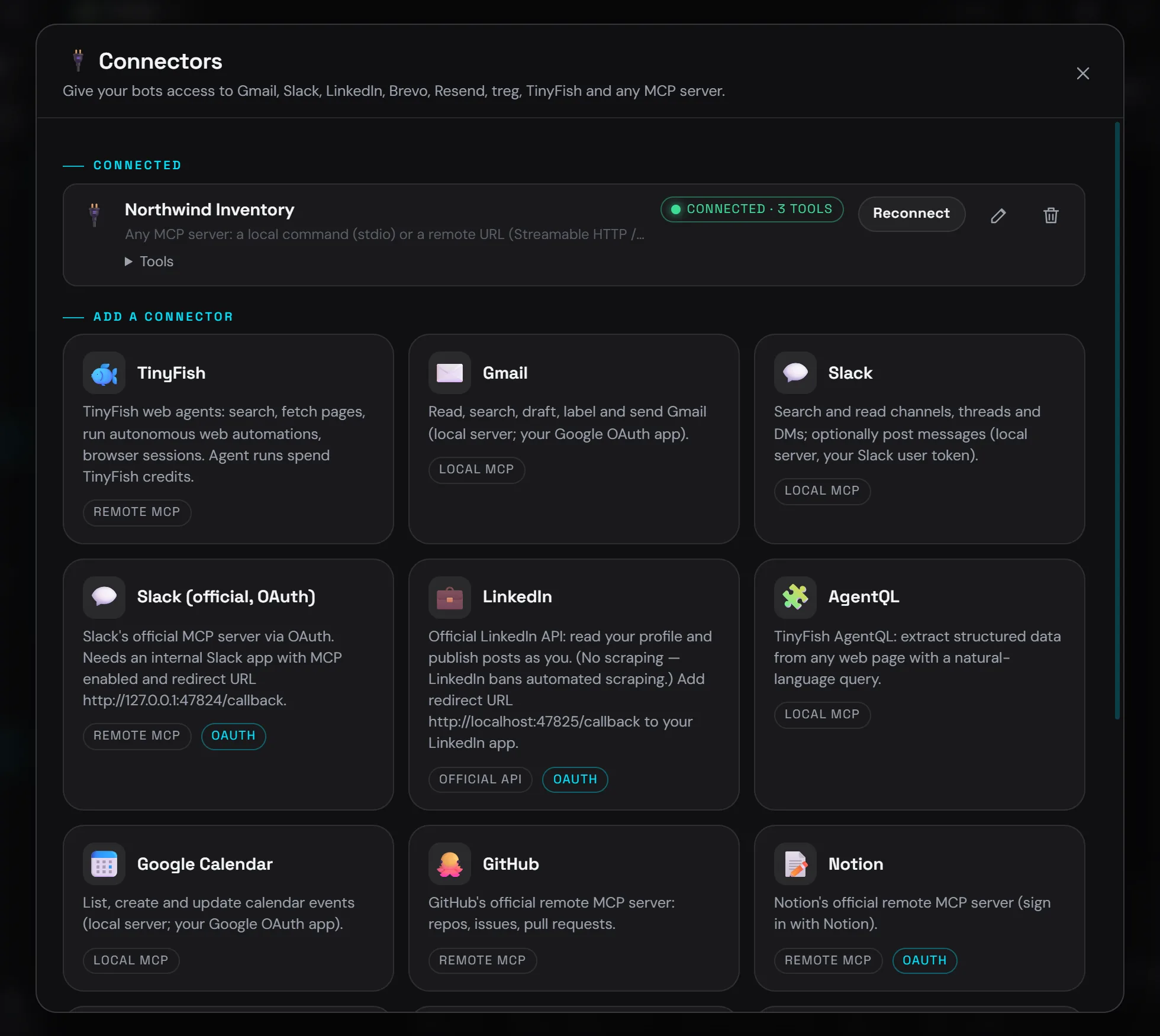
- 13 connector presets, including any custom MCP server
- A Claude Code plugin with 13 slashbots_* tools on 127.0.0.1
The questions we hear often
Can an AI agent use my Windows desktop safely?
In SlashBots, the default Balanced mode asks before desktop control, commands and anything that sends or posts. Bots pause while you use the mouse or keyboard, never type into a window they did not choose, and Ctrl+Shift+X stops every bot. Text on web pages and in files is treated as data, never as instructions.
Does SlashBots run on Linux?
Yes, as an AppImage or a .deb package. Computer use needs xdotool, wmctrl, xprintidle, tesseract and ImageMagick; without them the rest of the app still works. On Wayland, mouse and keyboard control works best in an X11 session.
Which AI models does it use?
Models come through Verboo.ai, an OpenAI-compatible router. The default is glm-5.3-flash at low reasoning, with deepseek-v4.1-flash as the fallback after repeated failures. The model and reasoning level can be changed per message, and other OpenAI-compatible providers can be added in Settings.
Where is the data stored?
Settings, chats and memory are stored on the PC in %APPDATA%\SlashBots, and the files bots create in Documents\SlashBots. Each request to a model goes through Verboo. Passwords sit in an AES-256-GCM vault, and bots fill logins only on the matching domain, without seeing the secret.
Cases close to this one
 Read more
Paperslate · E-Ink + AI
Read more
Paperslate · E-Ink + AI
E-Ink notebook with AI retranscription
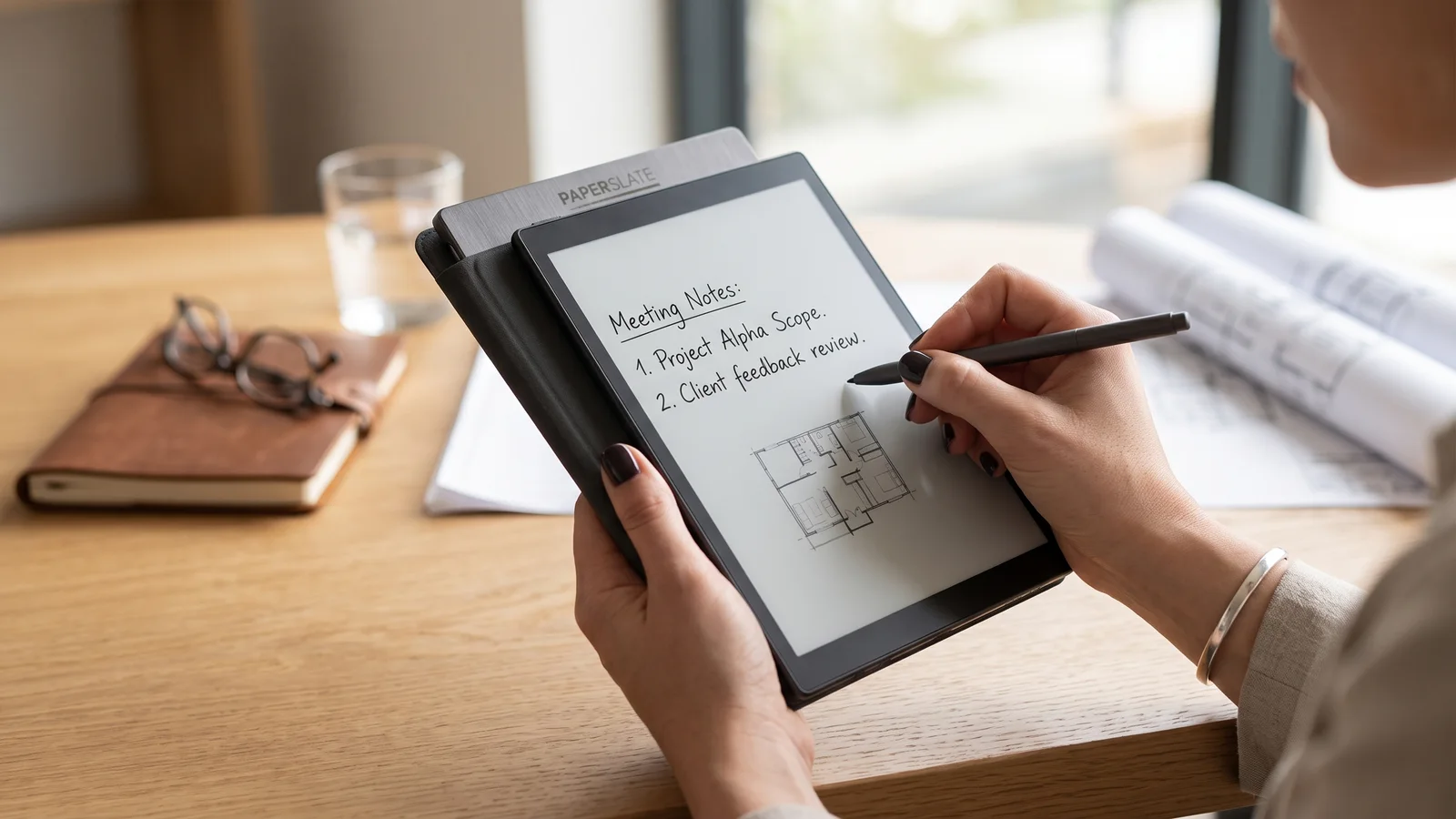
Paperslate product: digital paper tablet with real writing feel (Pro and standard models) and a GenAI layer that retranscribes handwriting, formulas and diagrams to Word or PDF.
Learn more →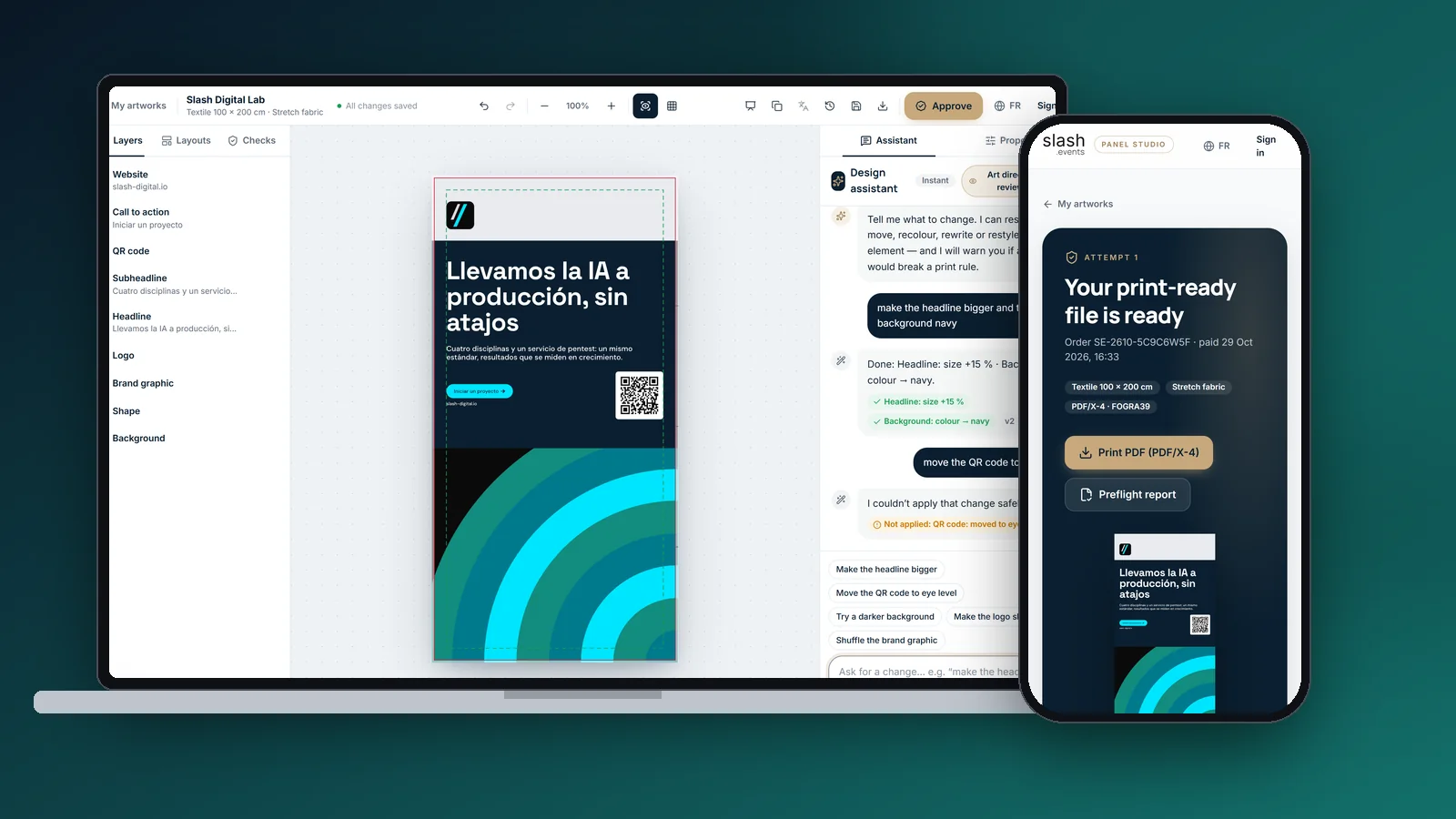 Read more
slash.events · Panel Studio
Read more
slash.events · Panel Studio
From a website to a PDF/X-4 trade-show panel
Panel Studio, our slash.events app: website analysis, four concepts, chat edits, 23 preflight checks and a printer-ready file for €49.
Learn more → Read more
Enviable AI · AI portraits
Read more
Enviable AI · AI portraits
Aspirational portraits generated by AI
GenAI product that turns a portrait into a professional aspirational image: fast mobile flow, scene templates, credit-based monetization and a privacy-first architecture aligned with GDPR.
Learn more →Let's put it in production
Tell us your challenge. We reply within 24 business hours with an honest first read: if we can help, we'll say how; if not, we'll say who can.
I reply personally. No endless forms, no canned replies.